Getting started guide
What to load, in what order, and what it unlocks
Eight steps take a new workspace from empty to fully working insights, benchmarks, vendor scorecards and contract approvals. Each step shows exactly where to go and how that data is reused across the platform.
1
Step 1 · Senrub Insights
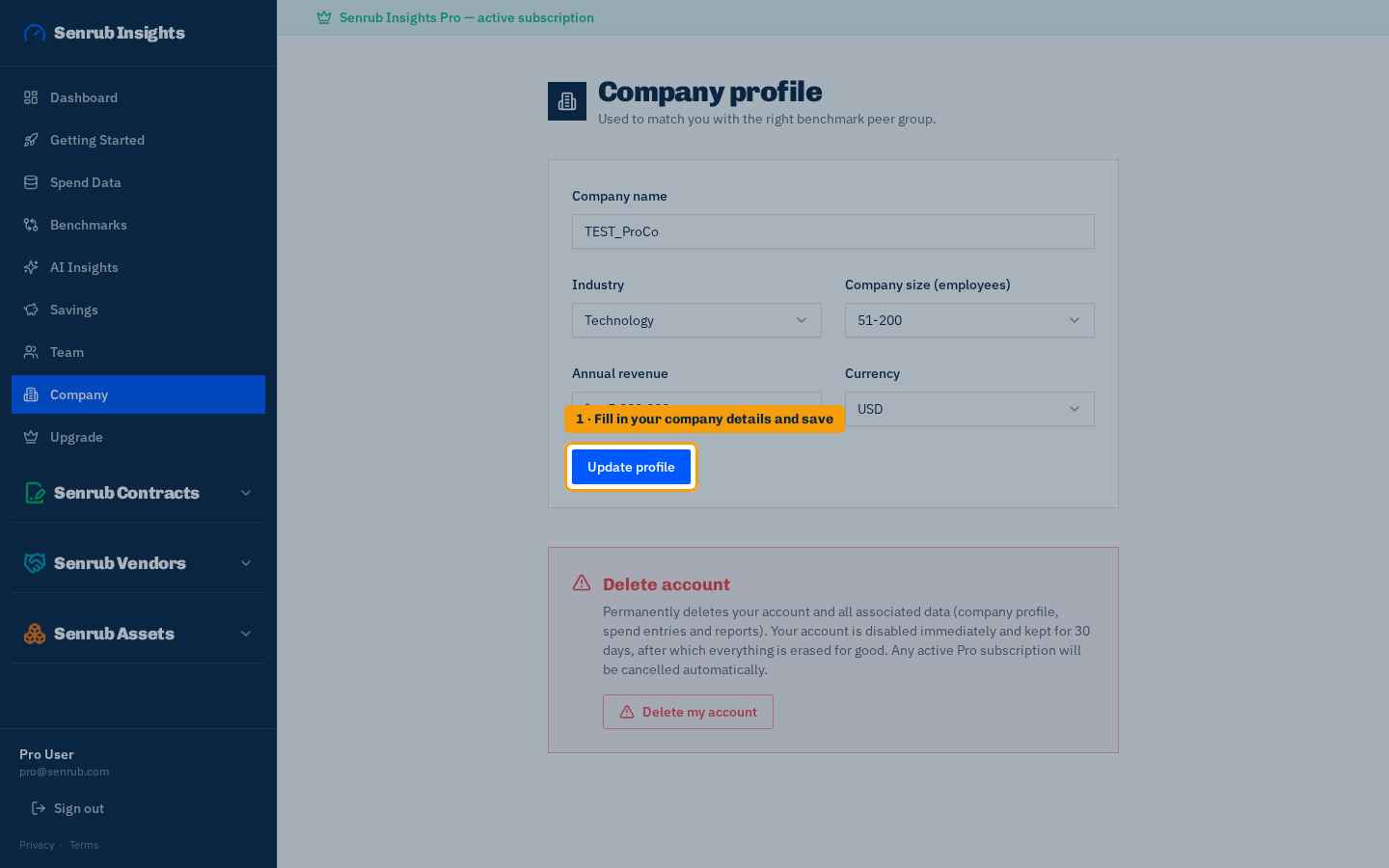
Load your company details
- What to load
- Company name, industry, size (employees), annual revenue and reporting currency.
- Why it matters
- Your industry, size and revenue select the benchmark peer group. Without them there is nothing to compare your spend against.
- How it is used across the platform
- Benchmarks: peer comparison by category and as a % of revenue
- AI Insights: tailors the narrative to your sector
- Reports and PDFs: company name and currency on every export
2
Step 2 · Senrub Insights
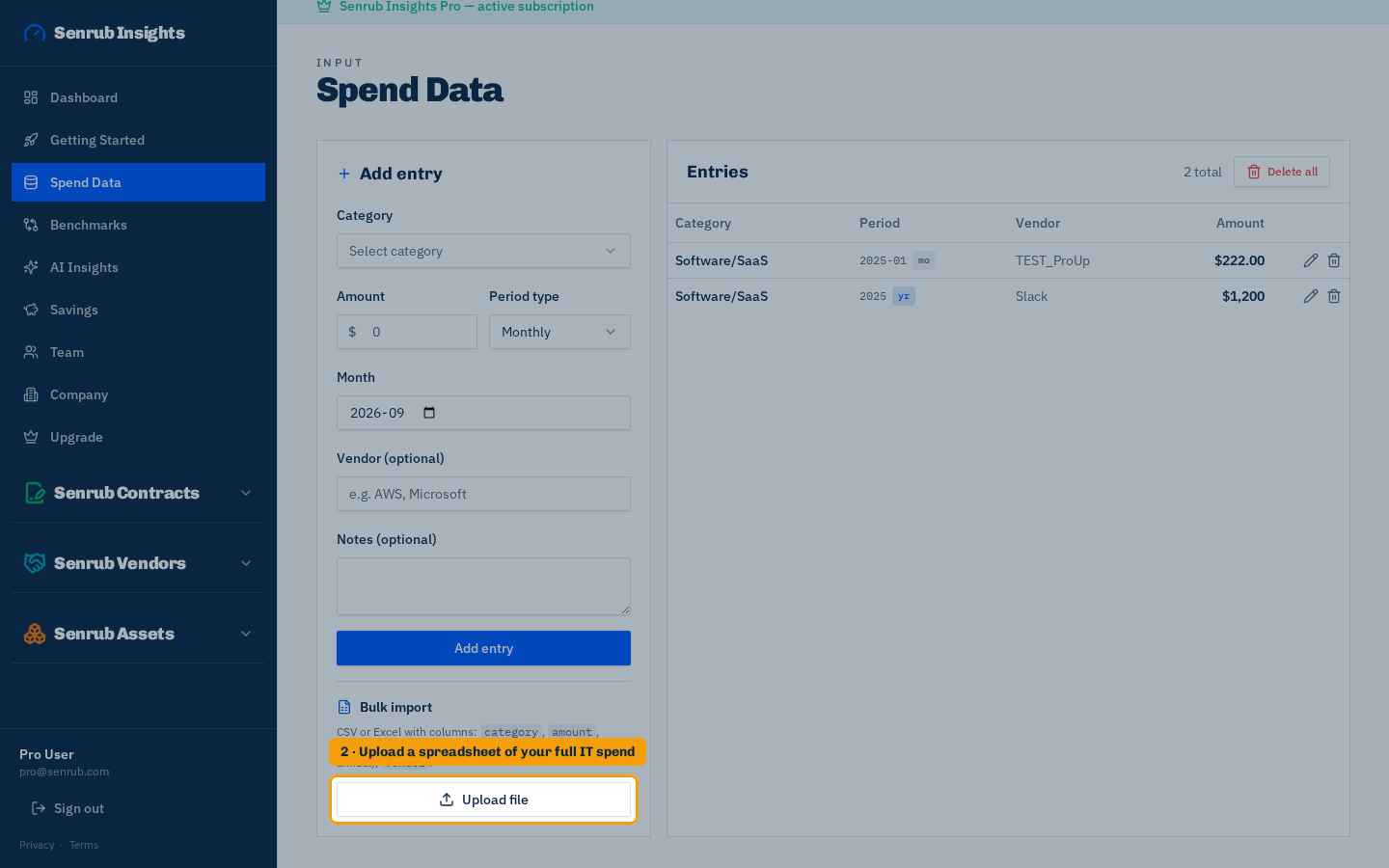
Add your IT spend
- What to load
- Every line of IT spend for the period, by category and month. Upload a CSV or Excel export from your finance system, or enter it manually.
- Why it matters
- Load the entire IT spend from your financial records, not just the contracts you have to hand. Spend that is missing looks like a saving that does not exist, and vendors with spend but no contract are one of the most valuable gaps Senrub finds.
- How it is used across the platform
- Dashboard and Benchmarks: where you are over or under invested
- Savings: recoverable savings, split into actionable now vs locked until renewal
- Vendors: spend under contract and vendors with no contract on file
- Assets: licence and hardware cost tied back to spend
Use finance records (general ledger, AP or cost centre exports) as the source of truth. Contracts come later and are reconciled against this spend.
3
Step 3 · Senrub Insights
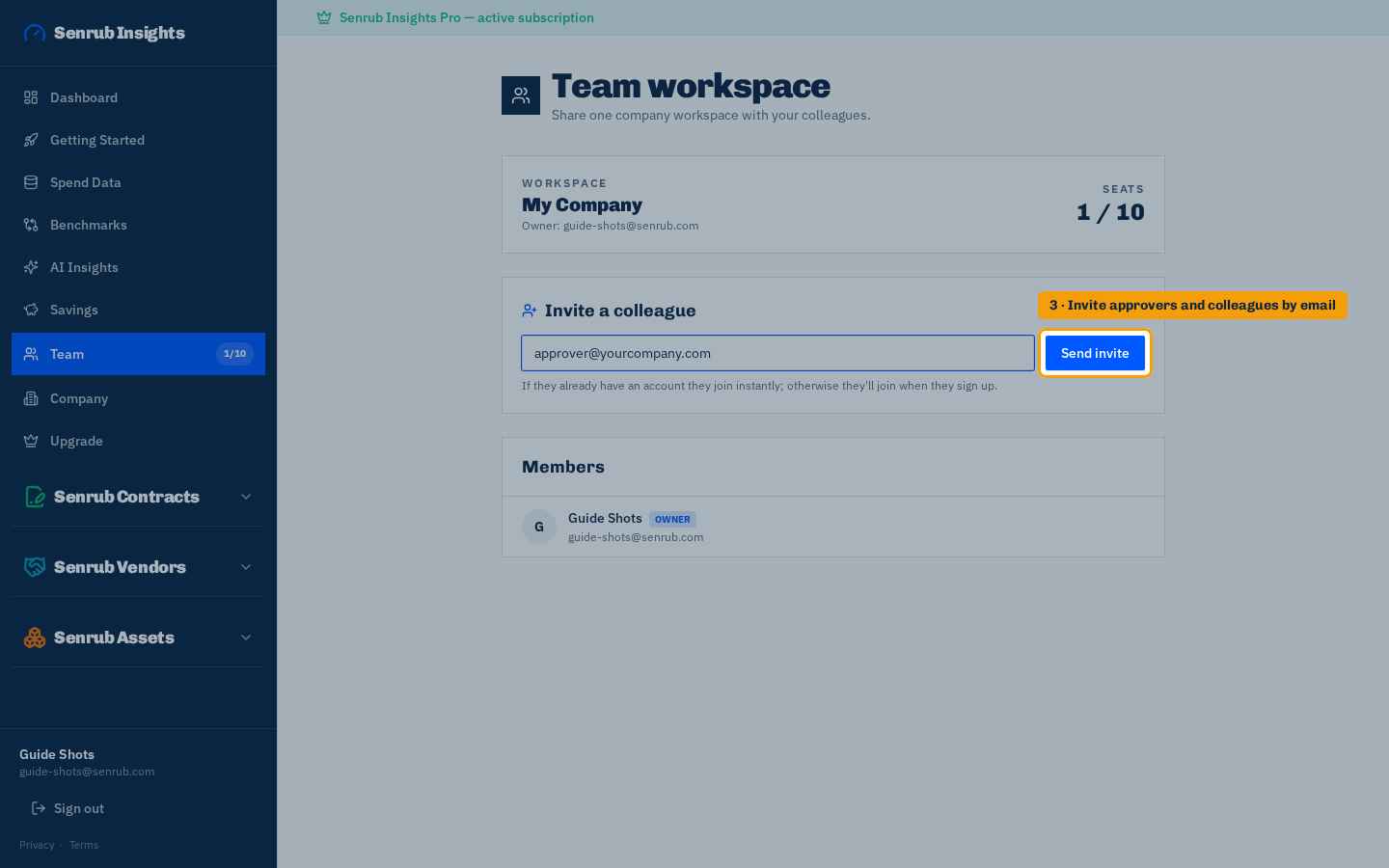
Create accounts for your team
- What to load
- Invite colleagues who will load data, score vendors or approve contracts. Approvers can also be created directly from the Approval Matrix in step 7.
- Why it matters
- Contract approvals and vendor scoring are done by named people. Each approver and scorer needs their own Senrub login so decisions are attributed and auditable.
- How it is used across the platform
- Senrub Contracts: approvers receive one click approval emails
- Senrub Vendors: scorer email on each vendor receives assessment reminders
- Business plan: shared workspace so everyone sees the same data
4
Step 4 · Senrub Vendors
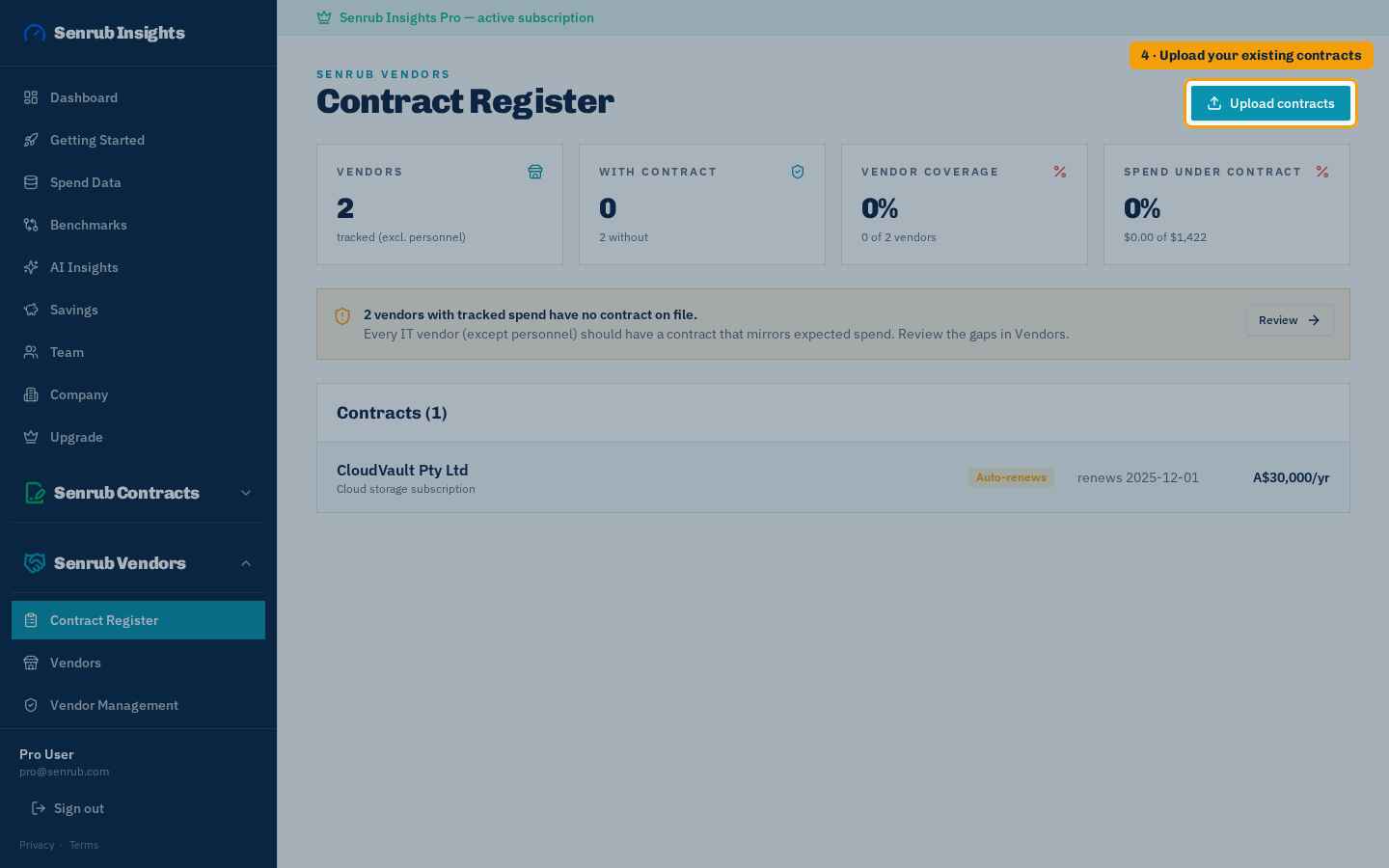
Upload your existing contracts
- What to load
- Current signed agreements as PDF or Word. AI extracts vendor, value, term, renewal date, notice period, auto renewal and payment terms.
- Why it matters
- The Contract Register is the baseline for vendor coverage. It reconciles contracted value against actual spend and builds the renewal timeline.
- How it is used across the platform
- Contract Register: vendor coverage and spend under contract
- Timeline: renewals and notice deadlines in date order
- Contract Spend: contracted vs actual by vendor
- Savings: locks savings until the contract can be exited
5
Step 5 · Senrub Vendors
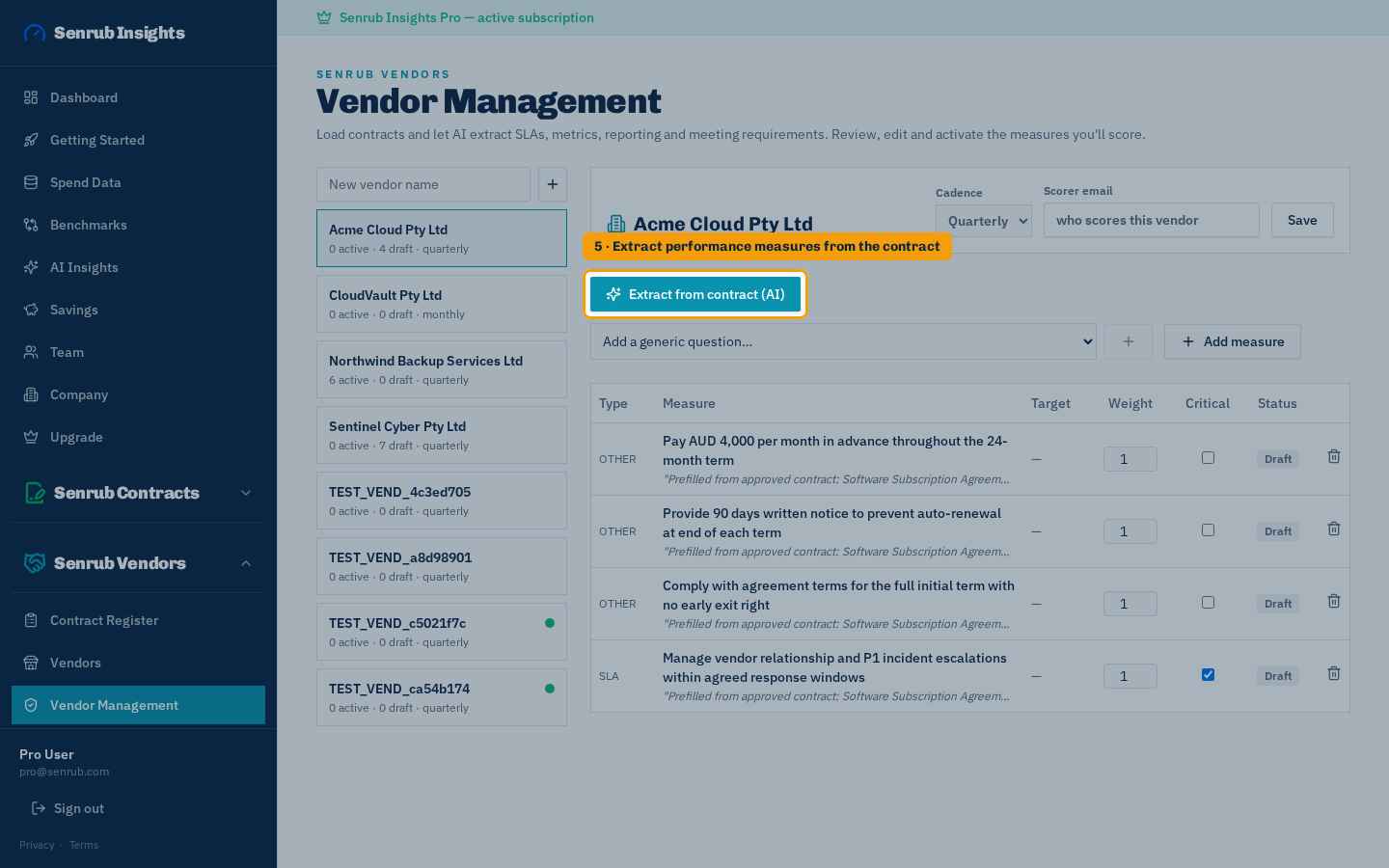
Define vendor performance measures
- What to load
- For each vendor, the SLAs, reports, meetings and metrics you will hold them to. Extract them from the contract with AI, pick from generic questions or add your own, then activate.
- Why it matters
- Measures turn a contract into something you can score. Active measures drive the periodic assessments and the RAG scorecard.
- How it is used across the platform
- Vendor Performance: periodic assessments sent to the scorer
- Vendor Scorecard: portfolio RAG view and trend
- Senrub Contracts: new approved contracts prefill measures automatically
6
Step 6 · Senrub Assets
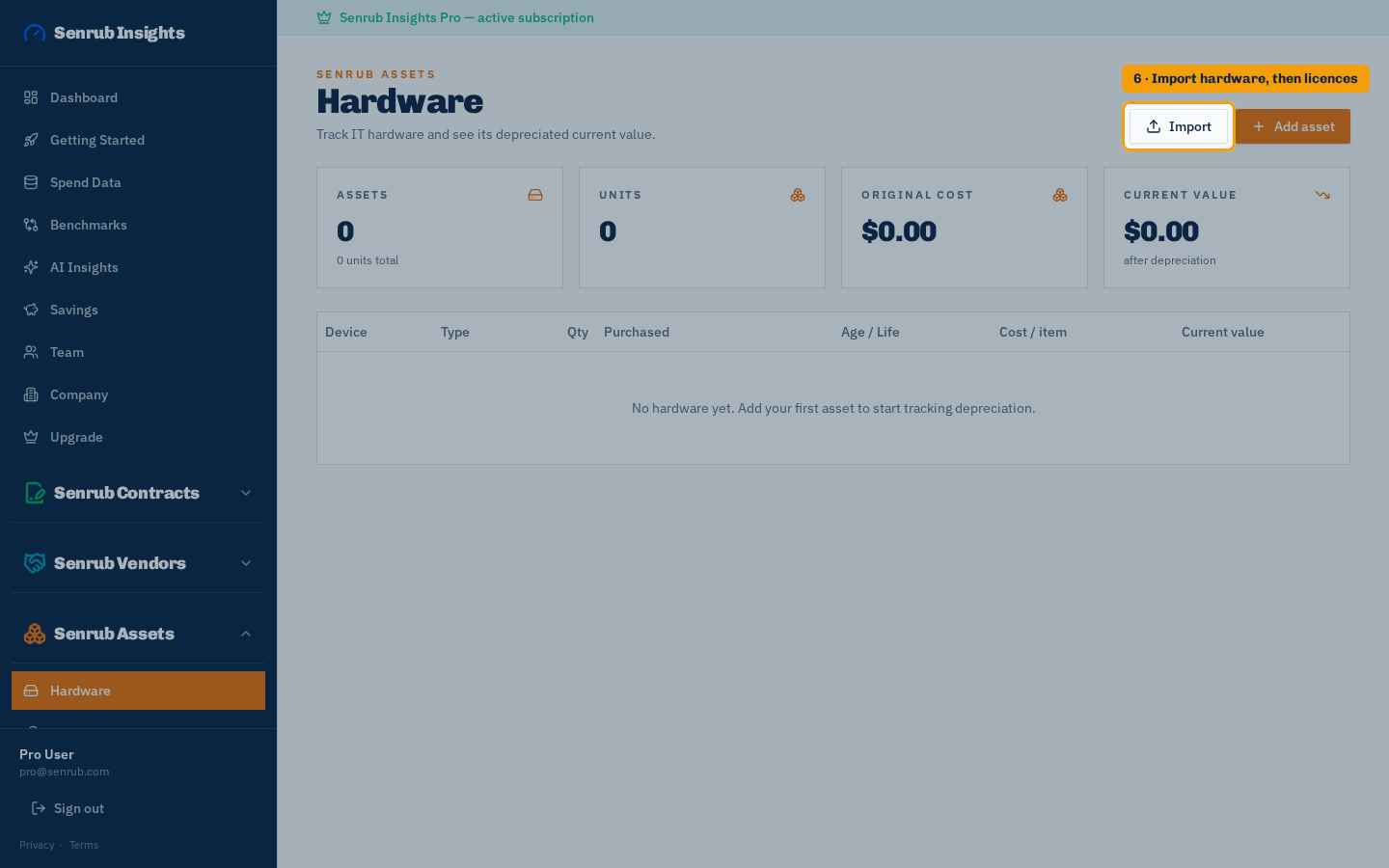
Add hardware and licences
- What to load
- Hardware (device, quantity, purchase date, cost, useful life) and licences, both SaaS subscriptions and perpetual, with seats, cost and renewal. Import from a spreadsheet or add one by one.
- Why it matters
- Assets explain a large share of IT spend. Depreciated hardware value and licence utilisation feed the refresh forecast and highlight shelfware.
- How it is used across the platform
- Hardware: depreciated current value and age
- Licenses: seats, cost per seat and renewals
- Forecast: refresh and renewal spend by quarter
- Insights: hardware and software categories explained
7
Step 7 · Senrub Contracts
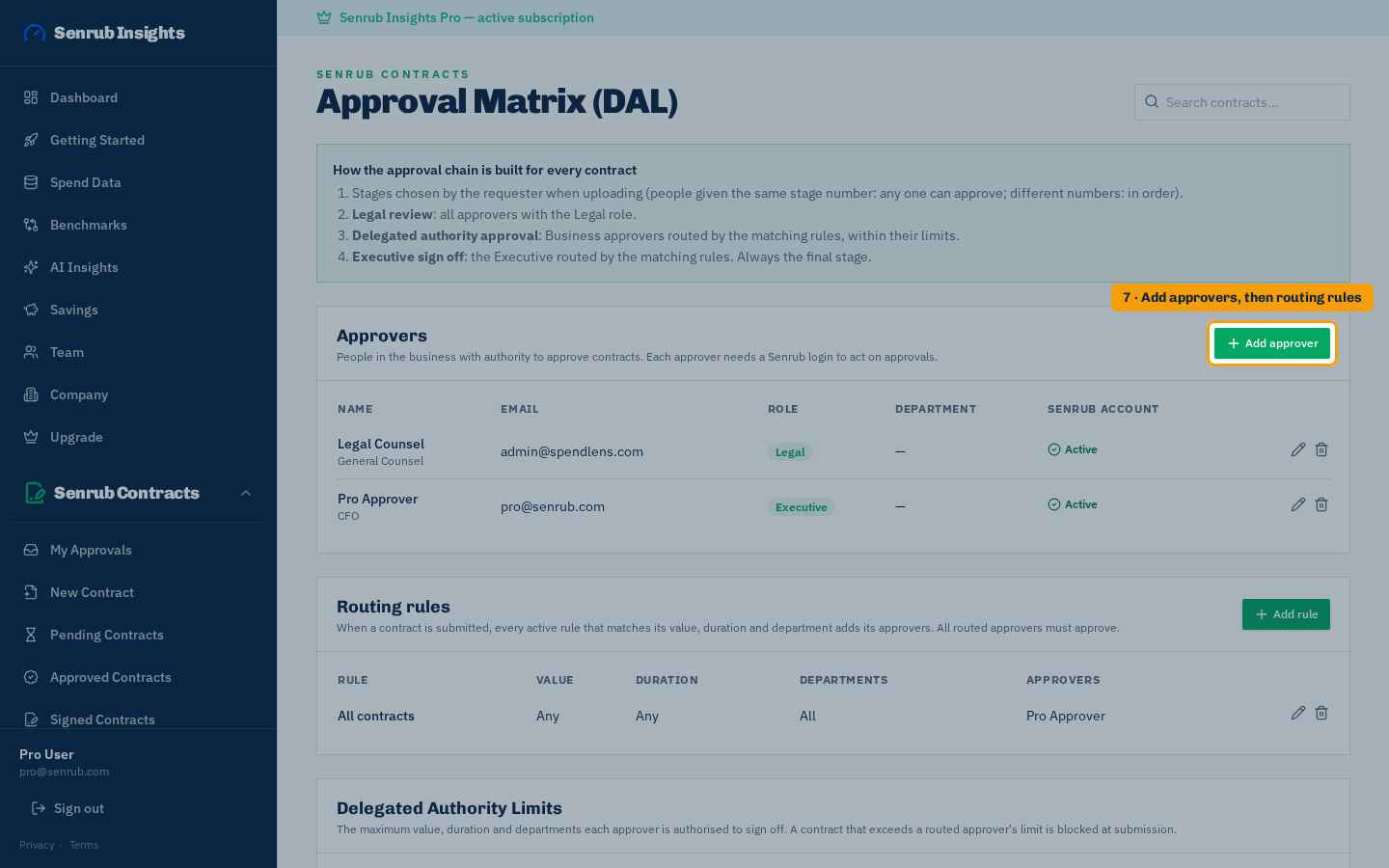
Build the approval matrix
- What to load
- Approvers with a role (Legal, Delegated Authority or Executive), their value and term limits, and routing rules by contract value, duration and department. Create logins for approvers who do not have one yet.
- Why it matters
- Every new contract is routed automatically: requester stages, then Legal, then delegated authority approvers within their limits, then an Executive final sign off. Without a matching rule a contract cannot be submitted.
- How it is used across the platform
- Senrub Contracts: automatic stage building on submission
- Delegated Authority Limits: blocks approvers outside their limits
- Analytics: time per stage and approver responsiveness
8
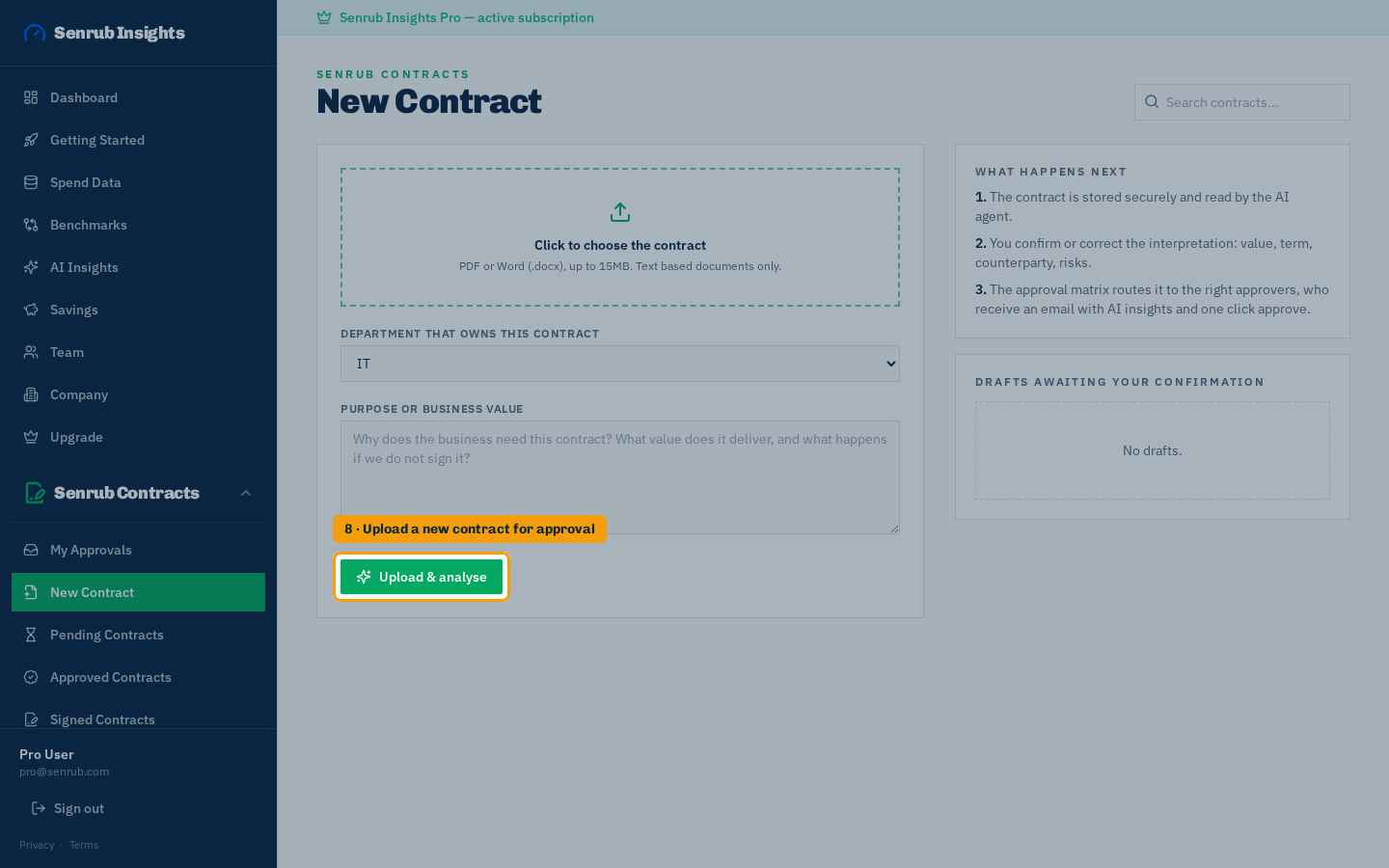
Step 8 · Senrub Contracts
Start approving new contracts
- What to load
- Each new agreement as it arrives: the PDF or Word file, the department and the business purpose. Optionally choose extra approvers by stage.
- Why it matters
- This is the ongoing workflow. AI reads the contract, the matrix routes it, approvers respond by email, signers sign electronically and the approved contract flows into the Contract Register and Vendor Management automatically.
- How it is used across the platform
- My Approvals: one click approve or reject with AI insights
- E signature: internal and external signers
- Renewals: alerts at 90, 60 and 30 days
- Senrub Vendors: vendor and measures created on final approval